

Reclaim Disk Space with Intelligent Ubuntu Cleanup
BlitzSweep efficiently and securely removes temporary files, old cache data, and general system clutter while actively maintaining critical stability and reliable performance for your Ubuntu or Debian-based distribution
Download NowDownload Now
Over 41,700 Linux users worldwide trust BlitzSweep
Completely free and open-source
Rated 4.8/5 on GitHub


Advanced Cleanup That Preserves System Integrity
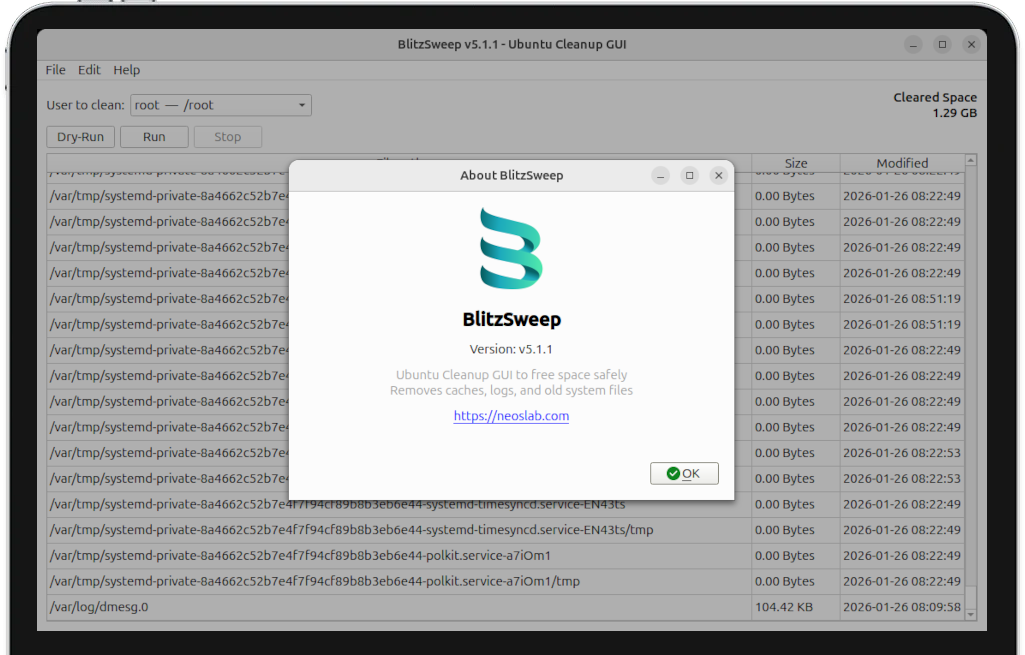
BlitzSweep combines intelligent file analysis with safety protocols to remove unnecessary data while protecting essential system files and user data from accidental deletion
Dry-run mode previews all cleanup actions before execution, ensuring complete control and transparency over every file operation
Comprehensive coverage includes user cache, browser data, system logs, package leftovers, and journal files with granular control over each cleanup category
Tailored Cleanup Strategies For Your Workflow
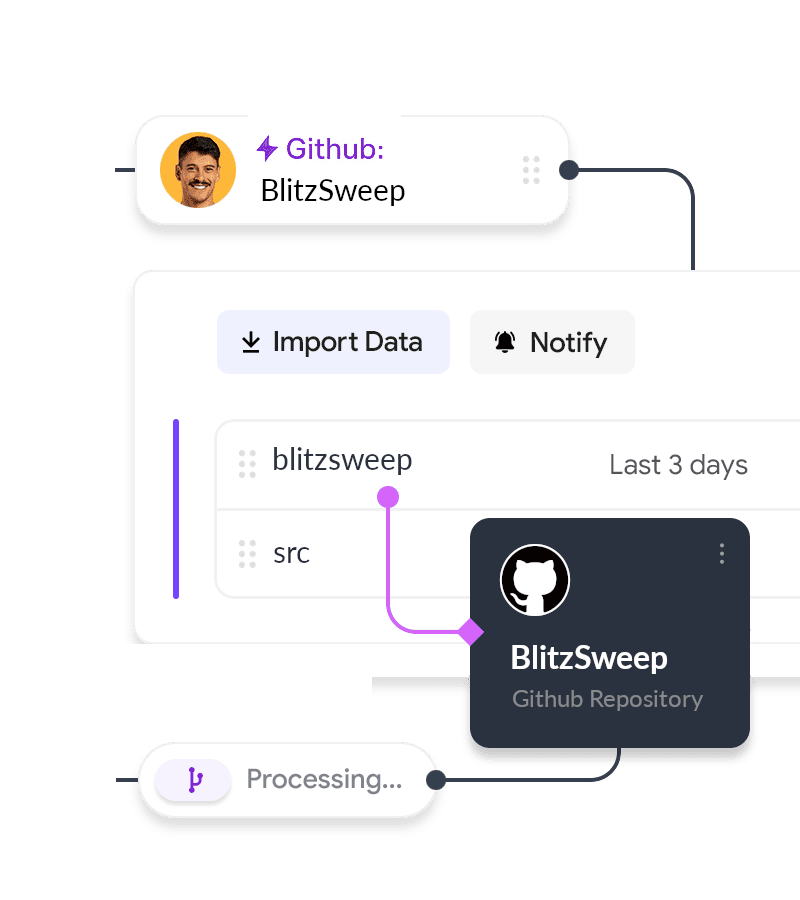
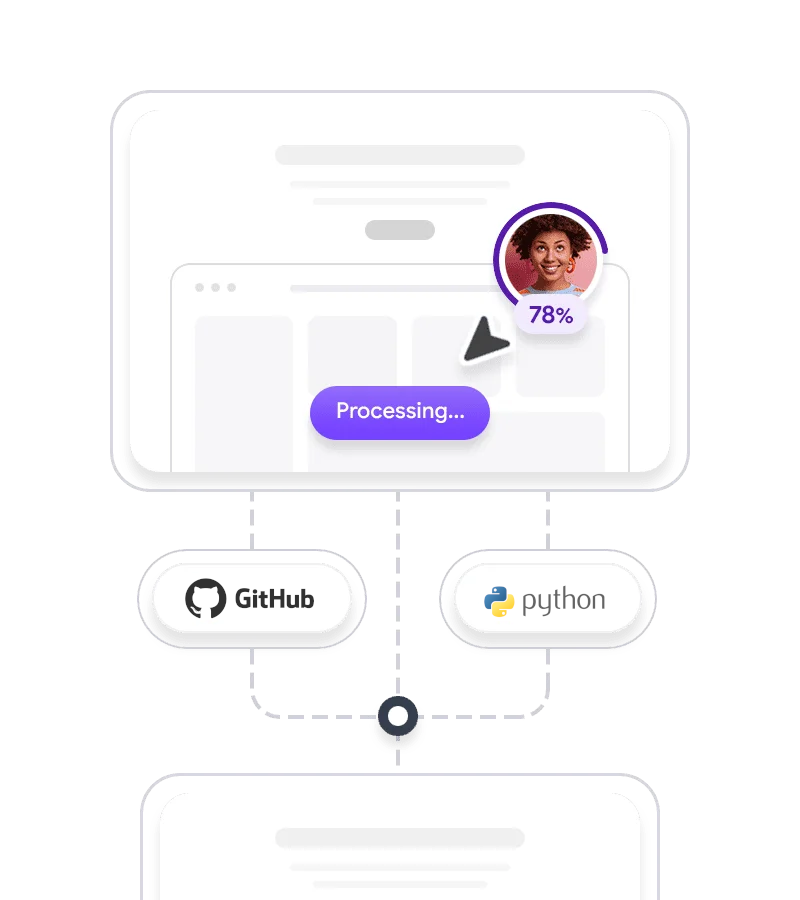
Configure BlitzSweep precisely to match your specific unique needs with adjustable granular settings for different user profiles, distinct system requirements, and prioritized cleanup priorities
Intelligent algorithms identify redundant files, duplicate cache entries, and obsolete logs while avoiding critical system components
Enable or disable specific cleanup categories including browser cache, application logs, temporary files, and package manager leftovers
68%
Disk Space RecoveryAverage storage reclaimed through systematic removal of cache files, old logs, and temporary system data
42%
System PerformanceImprovement in application launch times and system responsiveness after cleanup operations
94%
User SatisfactionPositive feedback rating from Linux users appreciating the balance between power and safety
Comprehensive System Maintenance Solutions
BlitzSweep proactively addresses multiple distinct aspects of efficient Linux system maintenance through its specialized cleanup modules and intelligent automated file management
Eliminate leftover system dependencies, orphaned packages, and unnecessary snap and flatpak revisions to optimize system storage utilization
Remove obsolete application cache, browser temporary files, and user-specific cache data while preserving active session information

Archive, compress, or remove old historical system logs with configurable automated retention policies and specific size-based cleanup thresholds
Advanced System Optimization Features
Specialized, automated tools for comprehensive proactive Linux system maintenance and integrated performance optimization across varied different usage scenarios

Clean cache and temporary files for all system users simultaneously with appropriate permission handling and individual user configuration options
Safely identify and remove obsolete kernel versions while preserving the current and fallback kernels for system stability and recovery

Automated System Maintenance Workflows
Configure scheduled cleanup tasks with specific parameters for different system areas, ensuring regular maintenance without manual intervention
Advanced automation options include conditional execution based on disk usage, time-based scheduling, and notification systems for completed operations

The Complete Ubuntu System Optimization Platform
BlitzSweep consolidates multiple system maintenance tasks into a single intuitive interface, replacing fragmented command-line tools with cohesive visual management
From basic cache cleanup to advanced system optimization, BlitzSweep provides professional-grade maintenance tools suitable for both novice users and experienced system administrators seeking efficient disk management solutions
Over 41,700 Linux users worldwide trust BlitzSweep
Native Integration With Linux Desktop Environments
Full compatibility with GNOME, KDE Plasma, XFCE, and other popular desktop environments with appropriate theming and notification support
Direct integration with system package managers, trash management utilities, and desktop service menus for streamlined user experience across different Linux distributions
Frequently Asked Questions
Find immediate answers to frequently asked questions about BlitzSweep's installation process, daily operational usage guidelines, advanced feature implementation, and comprehensive system compatibility requirements for different Linux distributions and desktop environments.
View All FAQsView All FAQs- System requirements for BlitzSweep
BlitzSweep requires Ubuntu 22.04+ or Debian-based systems with Python 3.12+, PyQt6, and standard system utilities. Minimum 2GB RAM recommended for optimal performance during cleanup operations.
- Safety and data protection features
BlitzSweep includes multiple safety layers: dry-run preview mode, per-item selection, user confirmation prompts, and emergency stop functionality. All trash operations use system trash mechanisms with recovery options.
- Root privileges and permissions
Standard user cleanup requires no root access - handles user cache, browser data, and temporary files without elevated privileges
System-level tasks (journal cleanup, kernel removal, package pruning) use pkexec for temporary privilege escalation with user confirmation
- Supported distributions and compatibility
Officially supports Ubuntu 22.04+, 23.04+, and Debian 11+. Community-tested on Linux Mint, Pop!_OS, elementary OS, and Zorin OS with full functionality across most Debian derivatives.
- Troubleshooting and support resources
Check the GitHub Issues page for known problems and community solutions to common installation and runtime challenges
Enable verbose logging in preferences for detailed operation tracking and submit debug information when reporting technical issues